How to Accept Credit Card Payments Without a Storefront: 7 Options for 2026
If you're wondering how to accept credit card payments without a storefront, the good news is you don't need a shop, a counter, or a lease — just a smartphone and an afternoon. Here are the exact costs, the 7 best options compared, and a…

If you're wondering how to accept credit card payments without a storefront, the good news is you don't need a shop, a counter, or a lease — just a smartphone and an afternoon. Here are the exact costs, the 7 best options compared, and a copy-ready setup checklist.
The costs, at a glance
- Card reader hardware: $0–$59 (many readers are free; the most popular Bluetooth reader is under $50)
- In-person swipe/tap fees (2026 US typical): 2.3%–2.75% + 9–10¢ per transaction
- Payment links & online invoices (no reader): ~2.9% + 30¢ per transaction
- Setup time: minutes to one business day (identity verification for the money account)
- No storefront needed: a smartphone is enough for 3 of the 7 options below
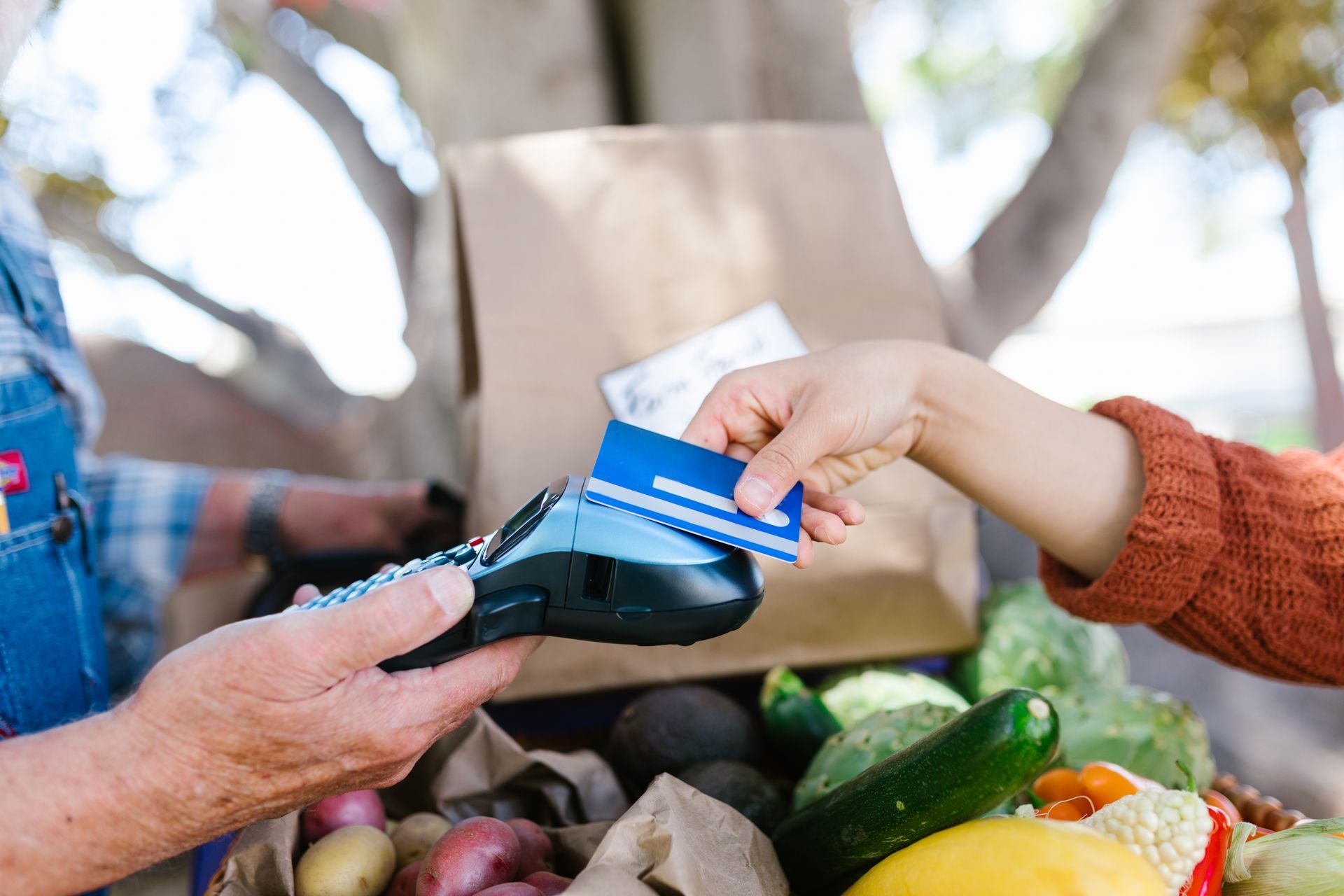
You don't need a shop, a counter, or a lease to take card payments. If you run a lawn care route, a mobile detailing van, a market stall, or a service business out of your truck, you can learn how to accept credit card payments without a storefront in an afternoon — with hardware that often costs nothing and fees that stay under 3% per sale.
The short answer
To accept credit card payments without a storefront, sign up with a mobile payment provider, link your bank account, and take cards through a phone app — with a pocket card reader, or no reader at all via payment links sent by text/email. Most small businesses pay about 2.6% + 10¢ per sale and can start the same day.
Key takeaways
- You need three things: a payment processor account, a bank account to receive the money, and a way to capture the card (reader, phone tap, or link).
- Card-present rates (reader or tap) are cheaper than card-not-present rates (typed links and invoices) — the difference is roughly 0.3% per sale.
- A free phone-app reader covers most mobile businesses; you can upgrade to a standalone terminal later.
- Card sales create a clean paper trail for taxes and deductions — keep digital receipts.
- Always read the fee table before you commit; the headline rate is rarely the only cost.
Why card acceptance changes a mobile business
Cash-only mobile businesses leave money on the table. Studies of small-business sales consistently show that customers spend more when paying by card, and roughly half of US adults say they prefer card or digital payments for everyday purchases. For a mobile business — the lawn care crew, the car wash van, the farmers market stall — the card reader is also your register, receipt printer, and sales log in one. And once you learn how to accept credit card payments without a storefront, you stop losing jobs to the customer who says, "Sorry, I only have my card."
Before you pick an option, it's worth reading our guide to best free POS systems for small retail stores — several of the providers below offer full POS apps with a free plan. If you run even a small counter at a market booth, our POS setup guide walks through the hardware side.
Option comparison: 7 ways to take cards with no store
| Option | Best for | Typical rate (2026) | Hardware cost |
|---|---|---|---|
| 1. Mobile card reader + phone app | Market stalls, service vans, pop-ups | ~2.6% + 10¢ in person | $0–$59 |
| 2. Tap-to-pay on your phone (no reader) | Solo operators, deliveries | ~2.6% + 10¢ in person | $0 |
| 3. Payment links by text/email | Invoices, remote jobs, quotes | ~2.9% + 30¢ online | $0 |
| 4. Digital invoices with card payment | Freelancers, home services | ~2.9% + 30¢ online | $0 |
| 5. Card-on-file & recurring billing | Repeat customers, memberships | ~2.9% + 30¢ online | $0 |
| 6. Standalone countertop/mobile terminal | Busy booths, events, food trucks | ~2.6% + 10¢ in person | $59–$299 |
| 7. ACH/bank transfer option | Large invoices, B2B jobs | ~0.8%–1% (capped) | $0 |
Rates are typical US 2026 figures and change — always confirm the current fee table on the provider's official pricing page before you sign up (linked below).
How to accept credit card payments without a storefront: the 5 setup steps
Step 1 — Pick your capture method
Match the option to how you meet customers. In-person jobs (lawn care, detailing, market days) do best with a Bluetooth reader paired to your phone. Remote or estimate-based work (a notary signing, a handyman job) does best with payment links or digital invoices — no hardware to carry. Many businesses use both: a reader in the truck, links on the invoice.
Step 2 — Open a processor account and link your bank
Sign up with a provider, verify your identity (name, SSN or EIN, business name), and connect the business bank account where payouts land. Approval for flat-rate mobile processors is usually same-day; first payouts can take 1–2 business days to clear your bank's fraud window.
Step 3 — Order the reader or enable tap-to-pay
Most providers ship a magstripe/chip reader free or for a few dollars; the contactless-capable Bluetooth readers run about $49–$59. If your phone supports it, enable tap-to-pay inside the app and you can accept contactless cards and phone wallets with no reader at all — perfect for truly pocket-sized setups.
Step 4 — Run a test transaction
Charge yourself $1 (or a trusted friend) before your first real job. Confirm the receipt goes out, the payout schedule looks right, and refunds/voids work in the app. A failed reader at a busy Saturday market is a bad place to debug.
Step 5 — Set your payment policies in writing
Decide and publish: do you take deposits? What's the refund window? Is there a card convenience fee (check your state's surcharge rules first)? Put the answers on your quote form and your Google Business Profile so customers see them before the job, not after.
What each option actually costs you
On a $100 job, a 2.6% + 10¢ in-person rate costs $2.70. A 2.9% + 30¢ online-link rate costs $3.20. The gap looks small, but across $5,000 of monthly sales it's roughly $25–$45 a month saved by capturing the card in person instead of by link. Watch for three extras beyond the headline rate:
- Chargeback fees ($15–$25 each if a customer disputes a charge) — keep signed or photo proof of completed work.
- Instant-payout fees (often ~1.5–1.75% of the transfer) — standard 1–2 day payouts are free.
- Hardware lock-in — some cheap readers only work with their own processor; make sure you're comfortable with the ecosystem.
For deeper comparison shopping, see our head-to-heads on QuickBooks vs Xero (their payment add-ons pair with these readers) and the free POS roundup.
Security basics when you take cards on the go
Accepting cards makes you a custodian of customer payment data, even briefly. The good news: modern mobile processors handle the heavy PCI-compliance lifting — the card data never touches your phone. Your job is the simple layer: lock your phone, use a strong passcode, don't store full card numbers in notes or texts, and use a separate business bank account. Our small business cybersecurity basics guide covers the rest of the phone-and-data hygiene in 9 short rules. And remember — card sales create automatic digital records, which makes tracking deductible expenses at tax time much easier.
Your no-storefront payment setup checklist
Copy this block into your notes and check each item off as you go:
- [ ] Processor account opened and identity verified
- [ ] Business bank account linked; first test payout received
- [ ] Card reader ordered OR tap-to-pay enabled in the app
- [ ] Test $1 charge run; receipts and refunds confirmed working
- [ ] Deposit policy written (amount, timing, refund rules)
- [ ] Chargeback plan: photo proof of completed work stored per job
- [ ] Surcharge/fee policy checked against state rules
- [ ] Monthly fee review: in-person vs online mix checked for savings
- [ ] Accountant/bookkeeper informed of the new payment method
- [ ] "We accept cards" added to quotes, vehicle signage, and Google Business Profile
FAQ
Can I accept credit card payments with just my phone?
Yes. Tap-to-pay on phone (available in most major processor apps) lets a customer tap their contactless card or phone wallet directly on your phone — no reader needed. It's ideal for solo operators doing deliveries or home services.
How much does it cost to accept credit cards for a small business with no storefront?
Expect about 2.3%–2.75% + 9–10¢ per in-person transaction and ~2.9% + 30¢ for payment links or invoices. Hardware runs $0–$59 for a basic reader, or $0 if you use tap-to-pay on your phone.
Do I need a business license to accept card payments?
Card processors don't require a license — they require identity verification. But your city or county may require a business license to operate, especially for mobile services. Check local rules before your first paid job.
Is it cheaper to accept cash or cards as a mobile business?
Cash has zero processing fees but real hidden costs: trips to the bank, no automatic records, and lost sales from card-only customers. For most mobile businesses, the ~2.6% card fee pays for itself in extra closed sales and clean bookkeeping.
Can customers dispute a charge if I did the work?
They can try — that's a chargeback. Protect yourself with written quotes, before/after photos, and signed completion confirmations. Processors generally side with the business when there's clear proof of service.
Conclusion
Learning how to accept credit card payments without a storefront comes down to one decision: how do you meet your customers? Reader in the pocket for in-person work, links and invoices for remote work, and card-on-file for regulars. Start with the free option, run your test charge this week, and put "we accept cards" everywhere a customer can see it. Your close rate will thank you.
Updated October 2026. Fee figures are typical US rates — confirm current pricing on the provider's official page before signing up.
Authoritative fee pages: Square official pricing · Stripe official pricing


0 Comments
No comments yet. Be the first to share your thoughts!