Google Business Profile Q&A Is Gone in 2026: 7 Things Small Businesses Should Do Instead
Google Business Profile Q&A Is Gone in 2026: 7 Things Small Businesses Should Do Instead If you opened your Google Business Profile recently looking for the questions-and-answers section and could not find it, you are not imagining things…

Google Business Profile Q&A Is Gone in 2026: 7 Things Small Businesses Should Do Instead
If you opened your Google Business Profile recently looking for the questions-and-answers section and could not find it, you are not imagining things. The Q&A section that used to sit on your listing is gone from most listings. Google shut it down in late 2025 and replaced it with an AI that answers customers' questions for you.
That matters more than it sounds. You no longer control the answers word for word. Instead, Google's AI builds answers from your profile details, reviews, photos, and website — and if any of that is thin, out of date, or wrong, the answers your customers get will be too.
The Short Answer
Yes, Google Business Profile Q&A is gone. Google discontinued the Q&A API on November 3, 2025, and the public questions-and-answers section disappeared from most listings from December 2025 onward. It was replaced by Ask Maps, a Gemini-powered feature announced March 12, 2026, that answers customer questions in Maps on the spot.
Key Takeaways
- Classic Google Business Profile Q&A was discontinued in late 2025. The old advice about "seeding" your own questions no longer works.
- Ask Maps, Google's Gemini-powered feature, now answers customer questions in Maps, drawing on your profile, reviews, photos, and website.
- You cannot write the answers anymore — but you can control what the AI reads. Complete, accurate profile information is now your Q&A strategy.
- A new "Answer questions" panel (Yes, No, or Skip) is reaching some profiles in late 2026. Answer its prompts when they appear.
- Put a real FAQ page on your own website. It is the one place you still write the answers in your own words.
What Changed and When
Here is the timeline, so you can see this is a finished change and not a glitch on your listing:
| Date | What happened |
|---|---|
| Sep 15, 2025 | Support ended for the Business Profile Q&A API. |
| Nov 3, 2025 | The Q&A API was discontinued. No tool can read or publish Q&A anymore. |
| Dec 2025 onward | The public Q&A section disappeared from most listings; surviving threads were frozen. |
| Mar 12, 2026 | Google announced Ask Maps, a Gemini-powered feature in Google Maps, first in the US and India. |
| Aug 2026 | Ask Maps expanded to 150+ countries, and a new Q&A button was reported for some users. |
| Late 2026 | Some verified profiles began showing an "Answer questions" panel (Yes, No, or Skip). Staged rollout; Google has not confirmed it publicly. |
What Was Google Business Profile Q&A?
For years, every Google Business Profile had a public questions-and-answers section, usually below the reviews on Google Maps and in the knowledge panel on Search. Anyone with a Google account could post a question — "Do you offer free parking?", "Are walk-ins welcome?" — and anyone could answer it. The business owner's answers carried an "Owner" label, and answers with the most upvotes appeared first.
Smart owners used it as a mini-FAQ on their listing: post the 10 to 15 questions you actually heard by phone and email, then answer them from the business account in plain customer language. That playbook is now dead — the section no longer accepts new questions or answers on most listings, and the tools that managed it lost API access in November 2025.
What Replaced It: Ask Maps
Instead of scrolling through old question threads, a customer now taps "Ask Maps" in Google Maps and types a plain-language question: "Do they have parking?", "Are walk-ins welcome?" Gemini generates an answer on the spot. Google announced the feature in March 2026 — see Google's Ask Maps announcement for the official details.
At launch, Google said Ask Maps draws on information from over 300 million places, including reviews from more than 500 million contributors. What Google has not published is exactly which sources feed any specific answer, so treat claims that it "reads your website FAQ" as reasonable inference, not confirmed fact. The safe assumption: it uses everything public about your business — profile fields, reviews, photos, and website content.
That is the core shift. Under the old Q&A, you wrote the answer. Under Ask Maps, you supply the raw material and the AI writes the answer. A new "Answer questions" panel is also reaching some verified profiles in late 2026: Google asks a simple question tied to your business and location, and you reply Yes, No, or Skip. There is no text box and no way to write your own answer. If it appears on your profile, use it. For the official word on what owners can do today, see Google Business Profile Help.
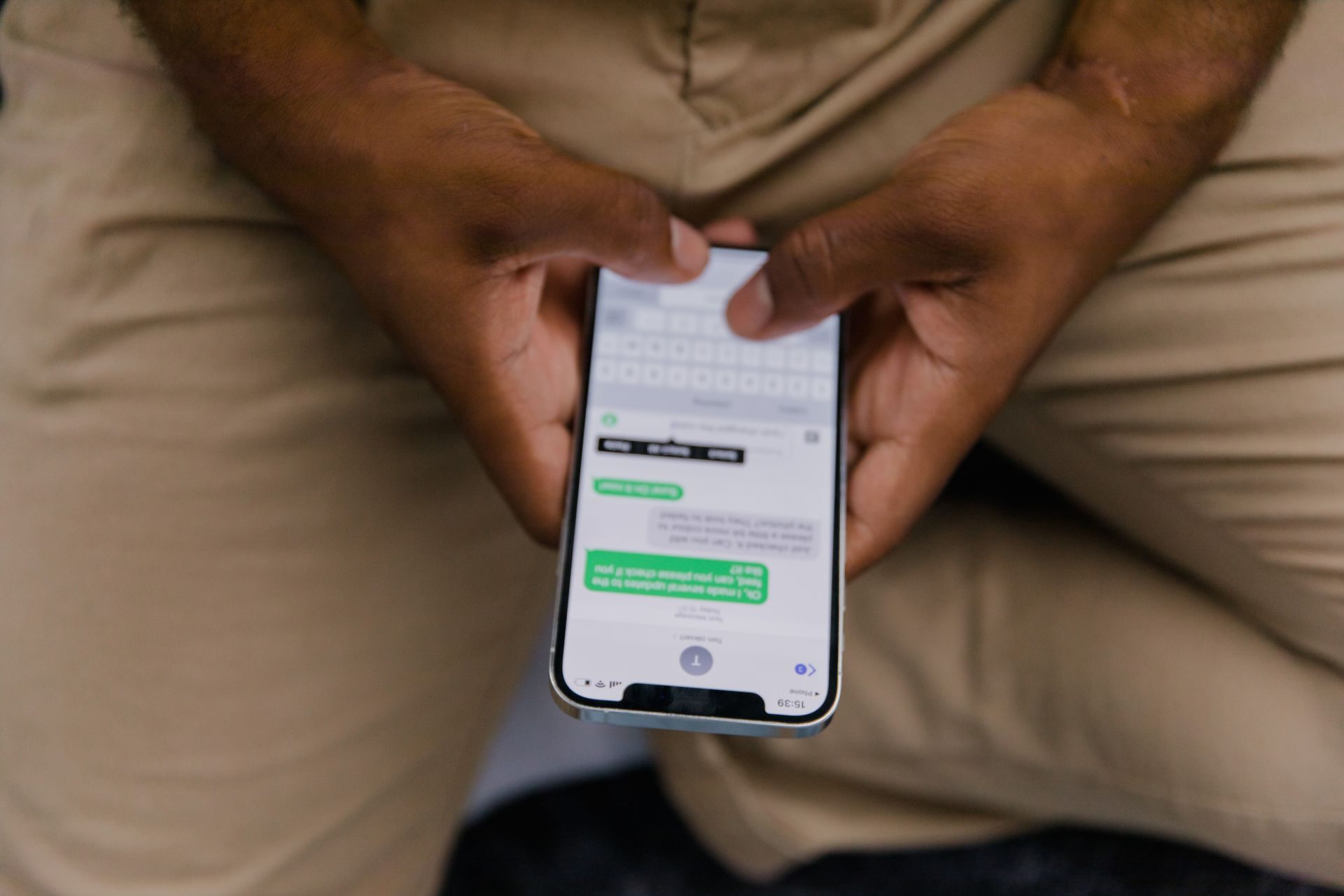
Old Q&A vs Ask Maps
| Old Q&A (2017–2025) | Ask Maps (2026) | |
|---|---|---|
| Who writes the question | Customers, or the owner seeding their own | The customer, typed into Maps |
| Who writes the answer | The owner or any Google user, in free text | Gemini, generated on the spot |
| Where the answer comes from | What the owner typed | Profile fields, reviews, photos, website |
| Owner control | Full — write, edit, and upvote answers | Indirect — control the source information only |
| Speed | Hours or days, until the owner replied | Instant |
| Risk if ignored | A stranger answered wrong | The AI answers from thin or stale information |
7 Things Small Businesses Should Do in 2026
1. Make your profile complete and accurate
This is now the single most important Q&A task you have. Go through your profile field by field and fix anything stale: business name, categories, address and service area, phone number, website link, hours (including holiday hours), services with descriptions, and attributes such as wheelchair access or parking. If your profile says one thing and your website says another, the AI has to guess — and it will guess wrong sometimes. Start with our Google Business Profile checklist, the hub for the whole local-listing cluster on this site.
2. Check what Ask Maps actually says about you
Open Google Maps, find your business, and ask the questions your customers ask: parking, prices, walk-ins, delivery, wheelchair access. Do the same for two nearby competitors. If the answers about your business are wrong, vague, or missing, you have found the exact gaps to fix — usually a missing service description, an empty attribute, or a question your website never answers. Repeat this check once a month.
3. Answer the new "Answer questions" prompts when they appear
If your profile shows the new "Answer questions" panel, do not ignore it. Answer Yes, No, or Skip honestly, and flag any question that is wrong or irrelevant. It takes two minutes, and it is currently the only direct Q&A input Google offers owners. The panel is rolling out gradually, so if you do not see it yet, check again in a few weeks.
4. Put a real FAQ page on your own website
Your website is now the one place where you still write the answers in your own words, at full length, with no AI rewriting them first. Add an FAQ page (or an FAQ section on your main service page) that answers the 10 questions customers actually ask you, in the exact words they use. Answer each one in two to three plain sentences. This also helps your local SEO for small businesses generally, since the same page gives Google clear, quotable text about what you do.
5. Keep earning reviews — and reply to them
Reviews are one of the biggest sources Ask Maps draws on, and fresh reviews keep your information current in a way a static profile cannot. A steady stream of recent reviews tells Google (and the AI) that you are open, active, and trusted — and review text often contains the very details customers ask about, like prices and wait times. If your review flow has stalled, our guide on how to get more Google reviews covers the ask, and our guide on how to respond to negative Google reviews covers the replies that matter most.
6. Keep your listing visibly active
A listing that has not changed in a year looks abandoned — to customers and to the AI summarising it. Post on your profile at least a couple of times a month: a new service, a seasonal offer, a photo of recent work, a holiday-hours update. Our guide on how to post on Google Business Profile walks through the format. Fresh posts and photos also help you show up in "near me" searches and rank in the Google Map Pack.
7. Do not pay anyone to "restore" your Q&A
As with every Google change, a wave of offers follows: agencies promising to bring your Q&A back or sell "Q&A optimisation" packages. There is nothing to restore — Google removed the feature, and no tool has API access to it anymore. Spend that money instead on the things that still work: a complete profile, a real FAQ page, and a steady flow of reviews. Before you sign anything, read our SEO checklist for small businesses and our guide to DIY vs hiring an agency for SEO for small businesses.
Copy-Ready Asset: The 10 Questions Your Website Should Answer
Use this table as your website FAQ checklist. If a question is missing from your site, add it — in the customer's own words, with a short direct answer. These are the questions Ask Maps gets asked most often about local businesses.
| # | Question to answer on your website | Where the answer should live |
|---|---|---|
| 1 | What are your hours, including weekends and holidays? | Homepage + profile hours (keep both identical) |
| 2 | Where are you located, and where do you park? | Contact page + profile address and attributes |
| 3 | Do I need an appointment, or are walk-ins welcome? | Service page FAQ + profile attributes |
| 4 | How much does it cost? What are your prices or starting prices? | Service or pricing page (even a range helps) |
| 5 | What areas do you serve or deliver to? | Service-area page + profile service area |
| 6 | How do I book, order, or get a quote? | Homepage call-to-action + contact page |
| 7 | What payment methods do you accept? | FAQ page + profile attributes |
| 8 | Is your place wheelchair accessible / kid-friendly / pet-friendly? | FAQ page + profile attributes |
| 9 | What is your cancellation or return policy? | FAQ page + booking or shop page |
| 10 | How do I contact you — phone, email, or message? | Every page footer + profile phone and messaging |
Do not copy this list word for word and stop there. Swap in the questions your customers actually ask — the ones you hear on the phone three times a week. Your real questions match the exact phrases your customers type into Google. Small-town and rural businesses can find this especially useful: the same customers who ask these questions are the ones reading our small-town business ideas guide and checking listings like yours before they drive over.
Frequently Asked Questions
Is Google Business Profile Q&A really gone?
Yes. Google discontinued the Q&A API on November 3, 2025, and the public questions-and-answers section disappeared from most listings from December 2025 onward. Surviving threads are frozen and cannot take new questions or answers.
What is Ask Maps?
Ask Maps is Google's Gemini-powered feature, announced on March 12, 2026, that lets customers type a plain-language question in Google Maps and get an instant AI-generated answer about a business, based on the business's profile, reviews, photos, and website.
Can I still ask or answer questions on my listing?
Not in the old way. The classic free-text Q&A is gone. Some verified profiles are getting a new "Answer questions" panel in late 2026 where Google asks a question and you answer Yes, No, or Skip — but it is rolling out gradually and is not available on every profile yet.
Does losing Q&A hurt my local ranking?
There is no evidence Q&A itself moved map-pack rankings. What matters now is the same as before: complete and accurate profile information, fresh reviews, and a website that answers customer questions clearly. Those are what feed the AI answers customers see.
Conclusion
Losing the Q&A section feels like losing control, and in one sense it is: you can no longer write the answers on your listing yourself. But the new game is simpler. Keep your profile complete and honest, keep your reviews fresh, put a real FAQ on the website you own, and answer the new Yes/No prompts when Google shows them to you. Do those four things and the AI will answer your customers with facts you supplied.
Start today with the quickest win: open your profile, check your hours, services, and attributes against your website, and fix anything that does not match. Then ask your own business a few questions in Maps and see what customers are being told. What you find there is your to-do list.


0 Comments
No comments yet. Be the first to share your thoughts!